memeSRC
Find the moment.Make the meme.
Make memes, edit photos, and share editable templates with friends or the public.
Say the line.
Remember the line but not the scene? Type what they said and jump straight to the exact frame.
- Try Visual Search
Describe the scene.
No quote? Describe what’s happening on screen, or search with an image, and find frames that look like it.
- Start editing
Caption it.
Swap fonts and colors, toggle outlines, shadows, and text backgrounds, drag captions anywhere, add top text, and layer in images.
- Build a collage
Stack it.
Drag borders to resize panels, change border thickness and color, and crop or zoom each frame. Mix in your own photos too.
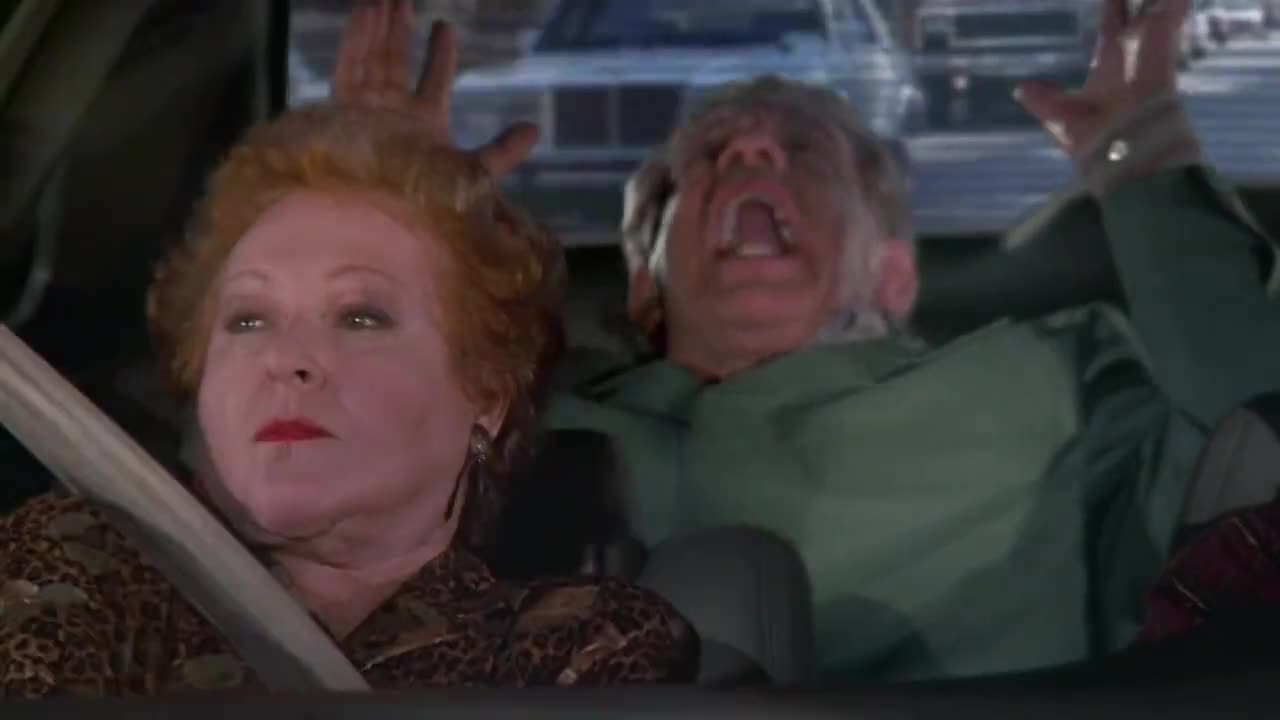
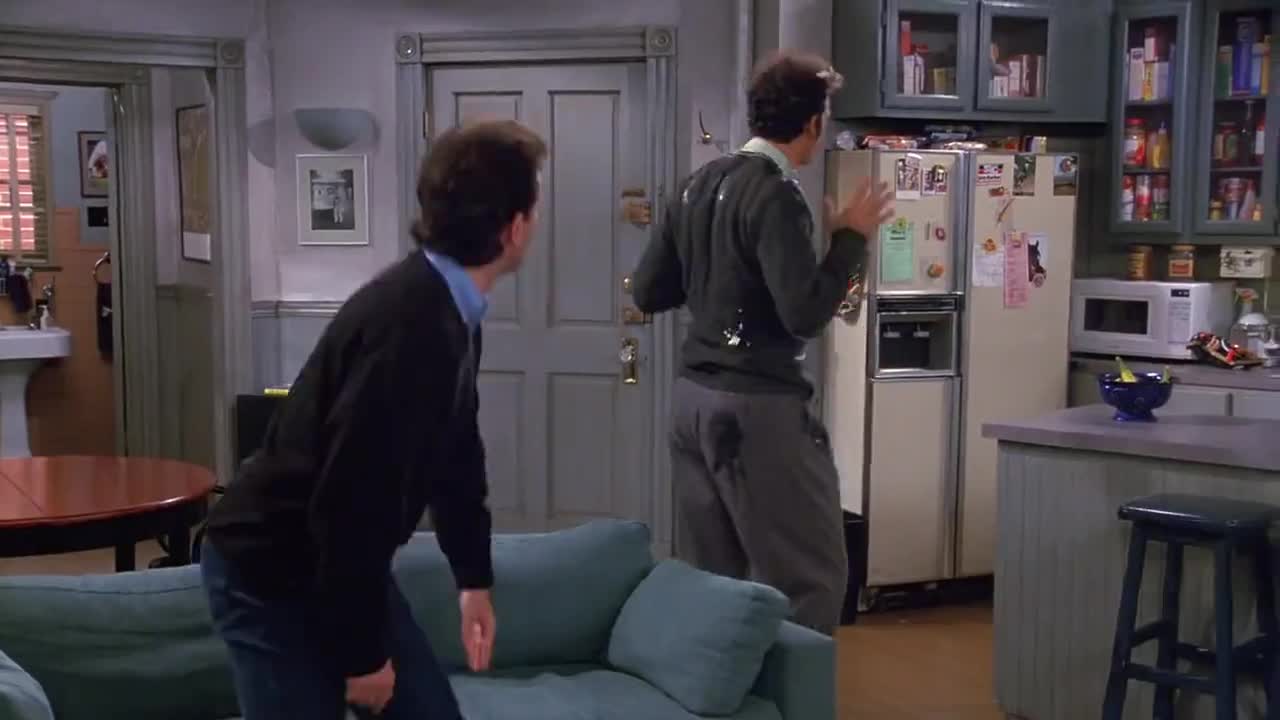
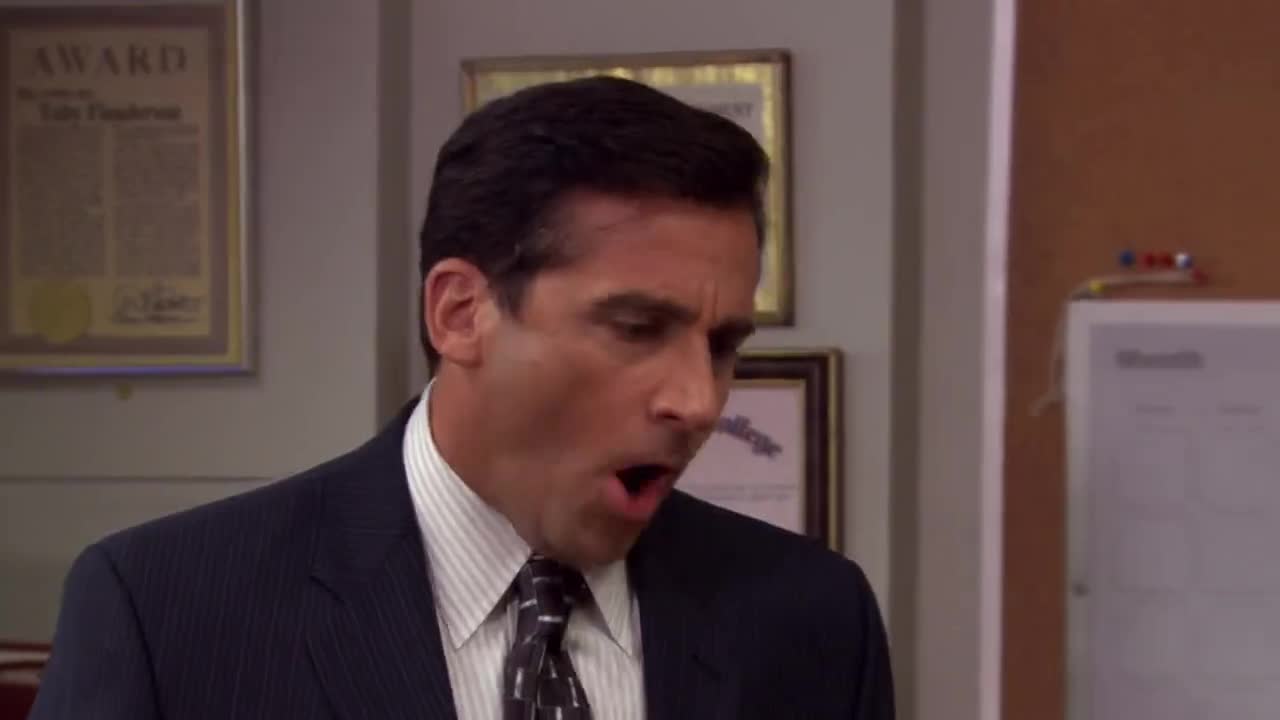
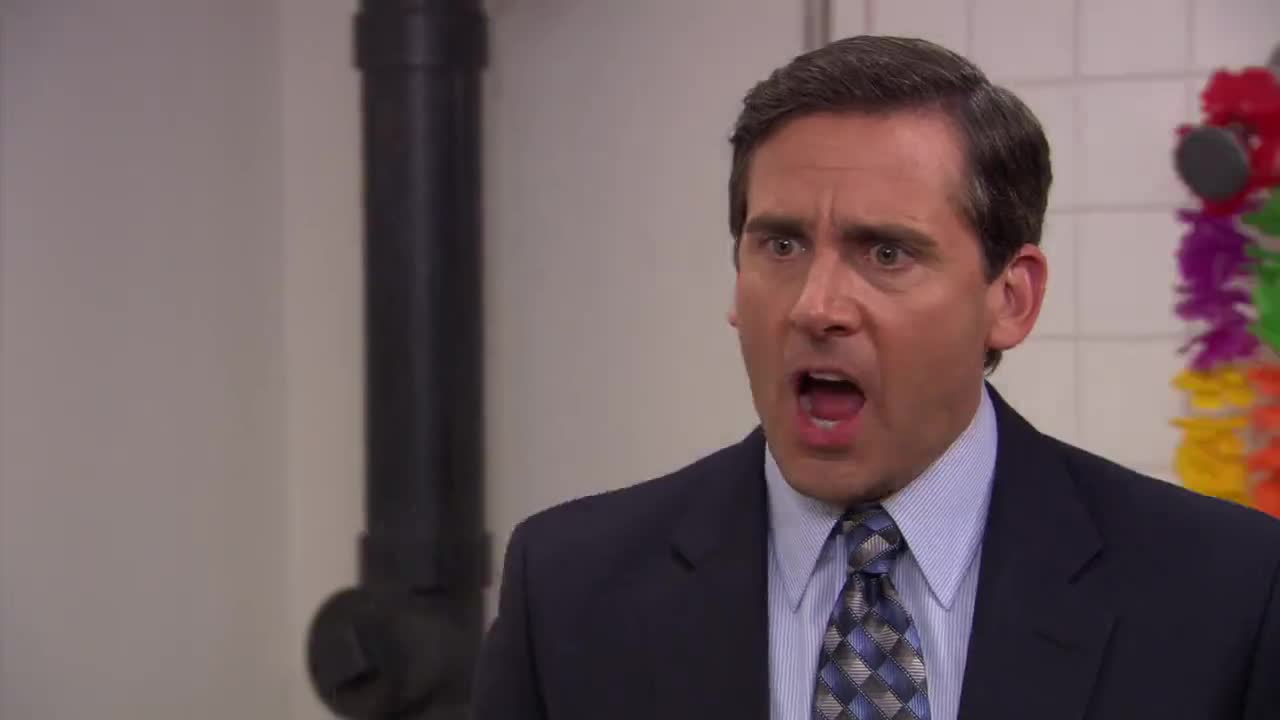
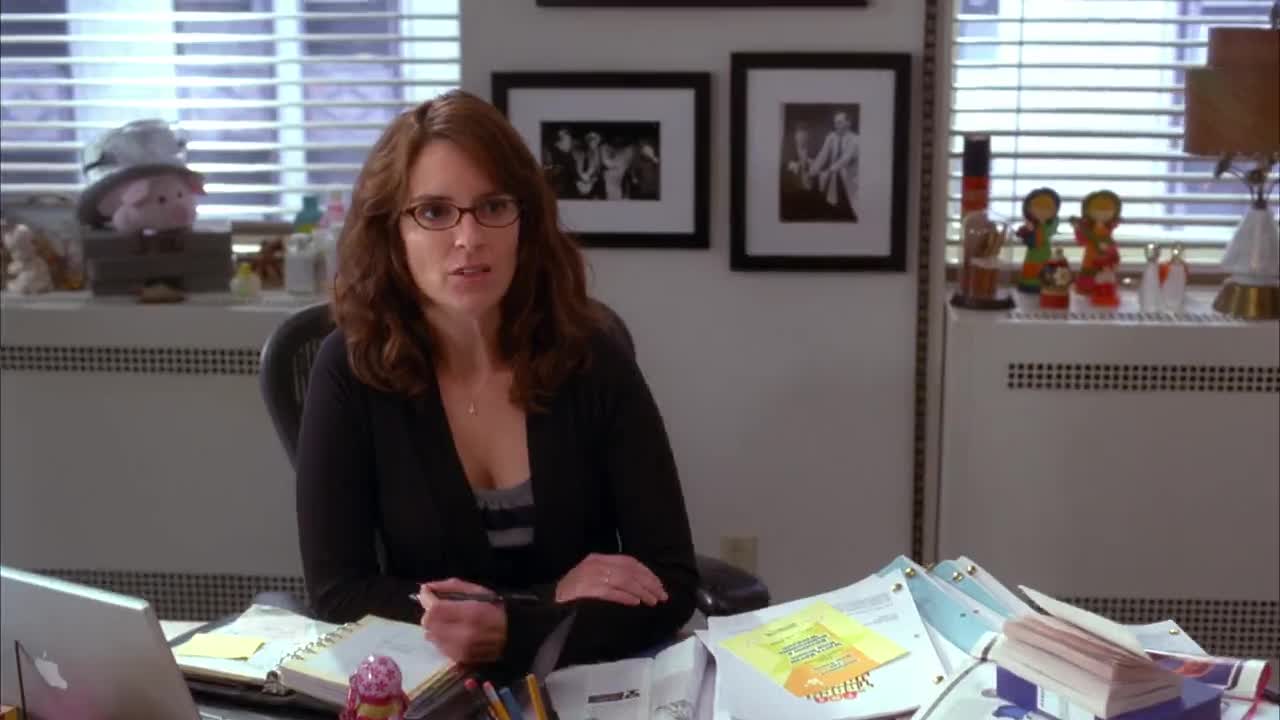
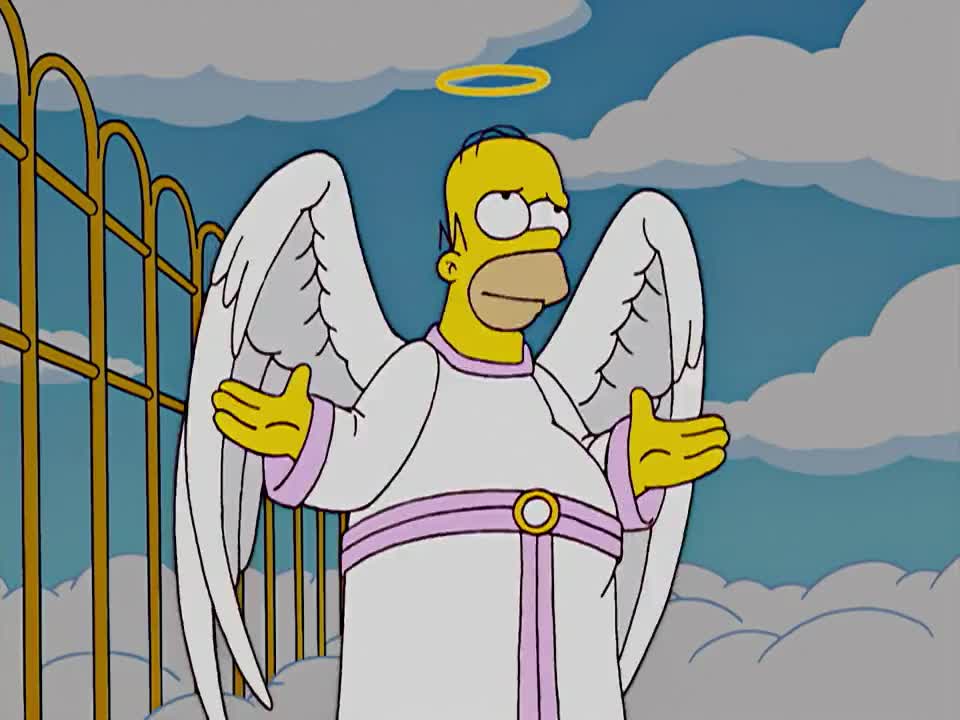
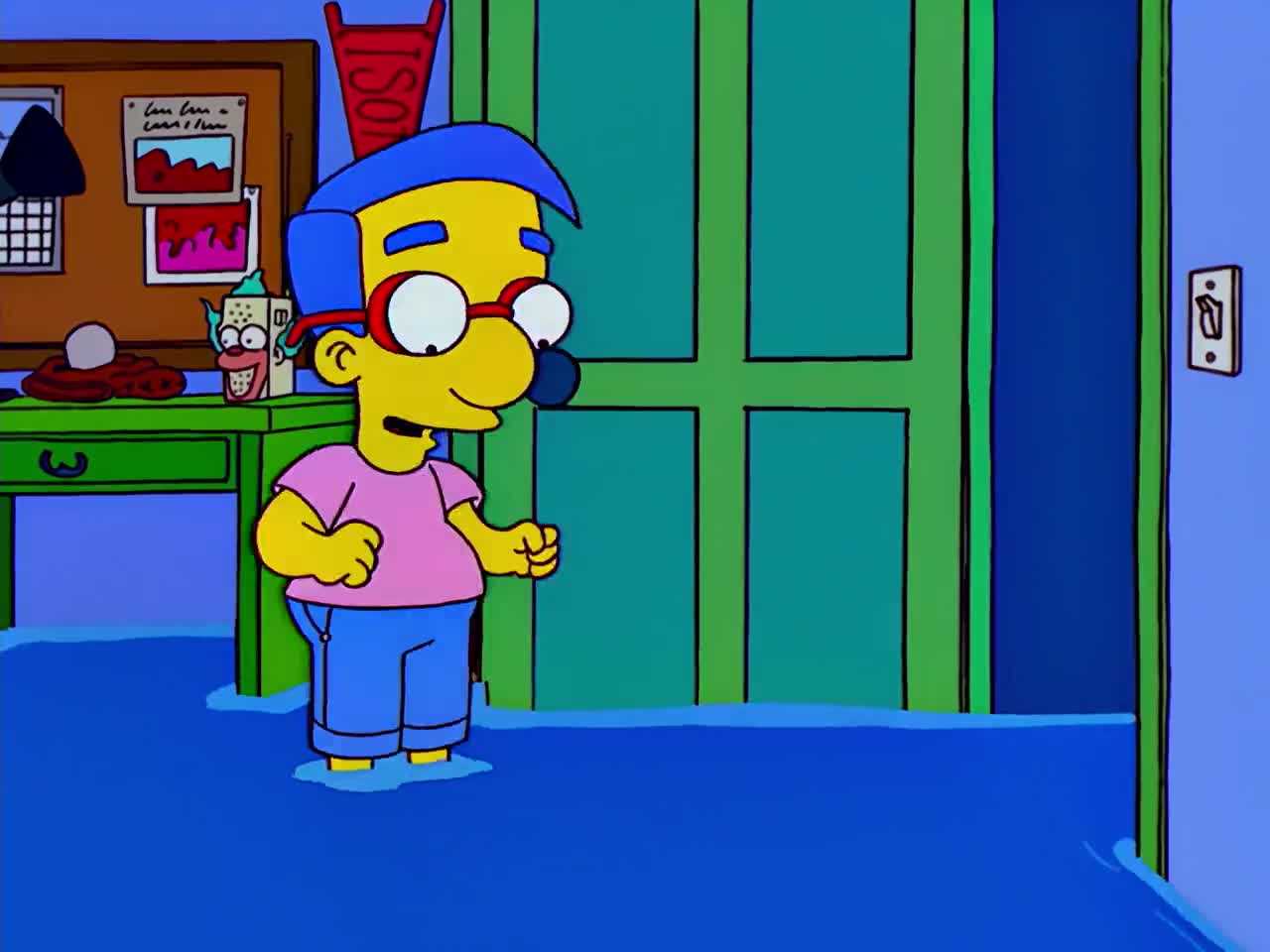
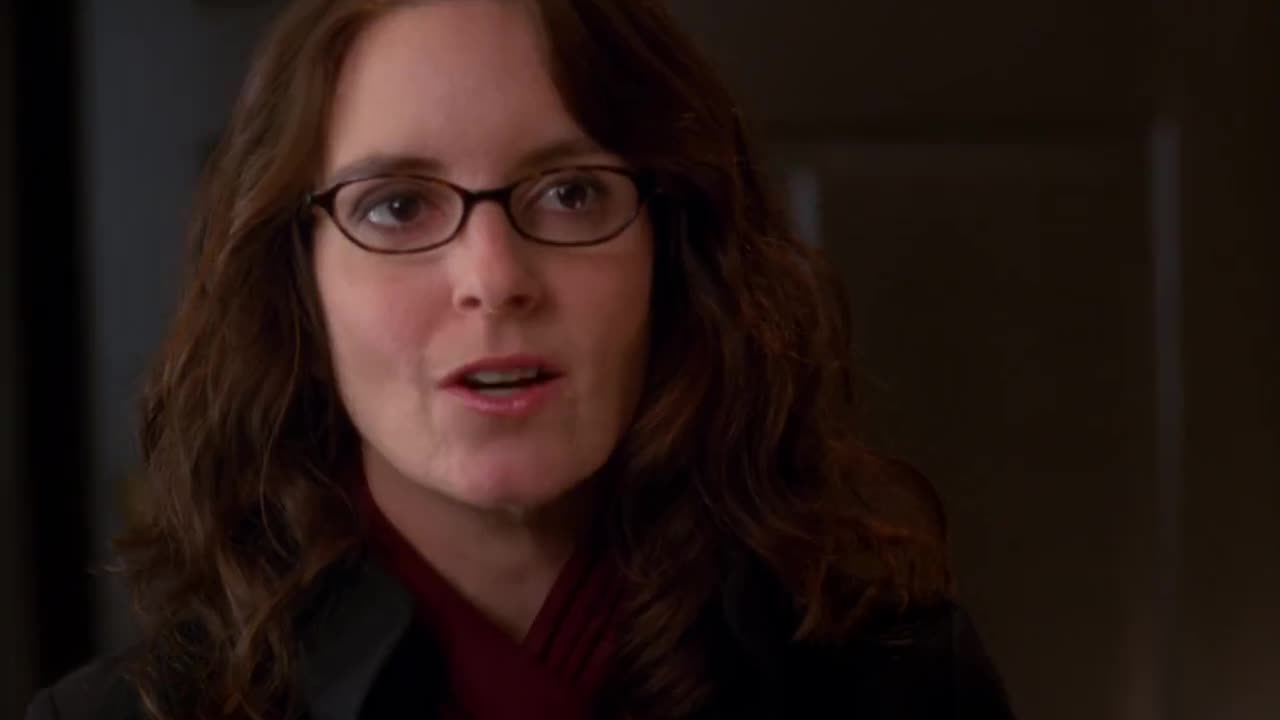
Random Moments
Shuffle through the catalog for inspiration.
Your Library
Saved memes stay editable, so you can remix later.
Vote on Shows
Request a show or movie and vote on what’s next.
How it worksThree keys
From quote to meme in three steps
- Search it
Type the line you remember, or describe what was on screen.
- Pick it
Open a frame and step through nearby moments until it’s perfect.
- Meme it
Caption it, collage it, then copy, download, or share.
Your next meme is one search away.
Start with your own images, a blank canvas, or user-submitted content from Search and Random. Use memeSRC’s editor to add captions, edit images, and build collages, then save your work or share a template others can edit.